
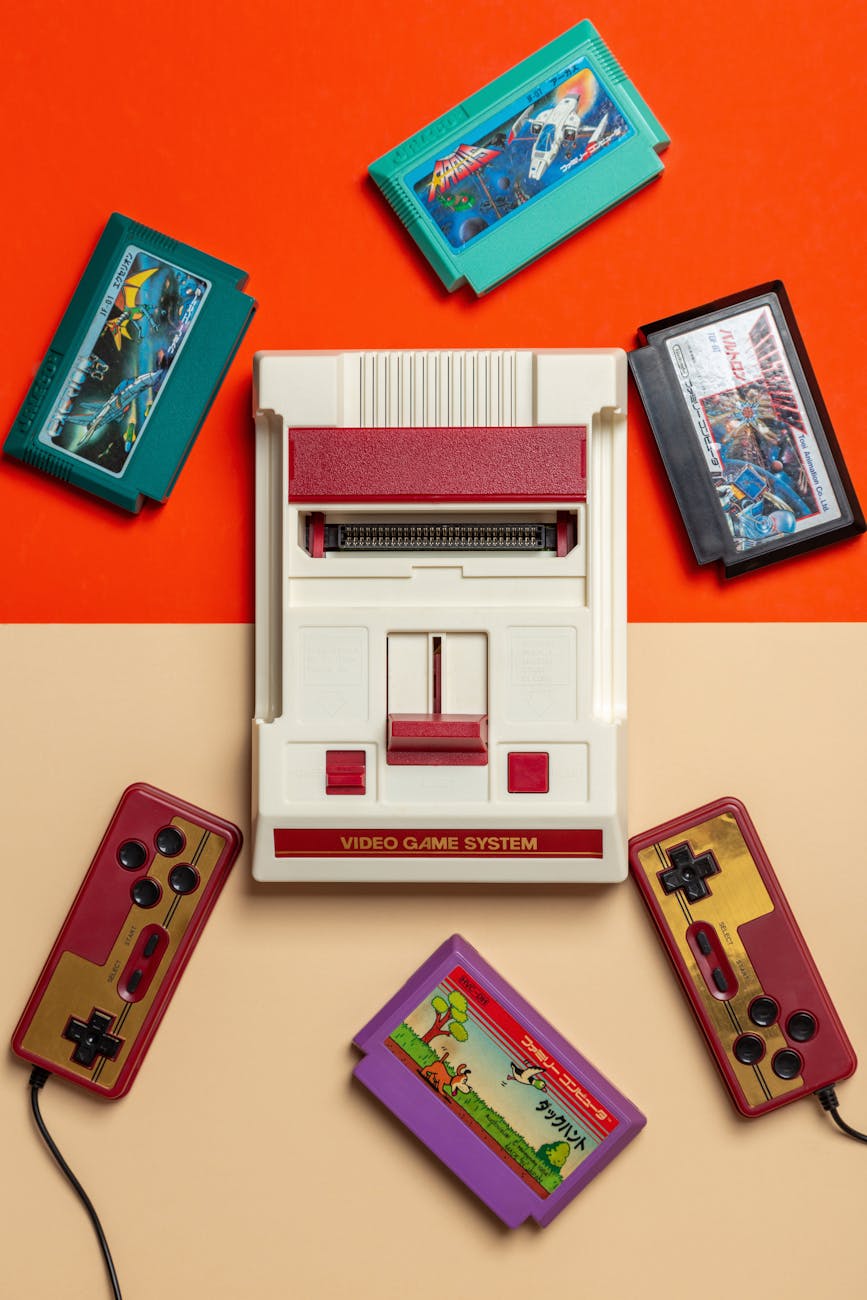
Ready to mix retro charm with modern function? Discover 10 vintage tech aesthetic ideas to turn your desk into a stylish productivity haven straight from the past (with a future twist).
Contents
- 1. Retro Mechanical Keyboards (Yes, with Clicks!)
- 2. Transparent Tech: Monitors, Mice & Accessories
- 3. Warm-Toned LED Lighting with Analog Mood
- 4. Vintage-Inspired Speakers & Headphones
- 5. Mini TVs and CRT Monitor Lookalikes
- 6. Cassette Decks and Faux-Tape Gadgets
- 7. Old School Icons: Pixel Art Wallpapers
- 8. Analog Clocks & Flip Timers on Screen
- 9. Desk Mats and Mouse Pads with Retro Print
- 10. Faux-Vintage Apps and Widgets for Your OS
1. Retro Mechanical Keyboards (Yes, with Clicks!)

Mechanical keyboards with round keys and tactile clicks add vintage vibes and better ergonomics. Look for ones in cream, pastel or typewriter-style colorways.
2. Transparent Tech: Monitors, Mice & Accessories

Inspired by the 90s iMac era, transparent or translucent plastic accessories are making a comeback. USB hubs, fans, and mice in see-through teal or purple = retro perfection.
3. Warm-Toned LED Lighting with Analog Mood

Swap harsh blue LEDs for amber or warm white strips. Combine with lava lamps, faux neon signs, or filament bulbs for a soft, nostalgic glow.
4. Vintage-Inspired Speakers & Headphones

Think wood-paneled Bluetooth speakers, pastel-colored over-ear headphones, or even speakers disguised as radios from the 60s. Bonus: some even have analog tuning knobs.
5. Mini TVs and CRT Monitor Lookalikes

Tiny CRT-style screens or Raspberry Pi-based “retro TV” builds are a must-have centerpiece. Great for ambient animations, looping GIFs, or displaying a faux desktop.
6. Cassette Decks and Faux-Tape Gadgets

Want full 80s vibes? Use cassette-style AirPod cases, mini tape players with Bluetooth, or print retro mixtape labels to store USBs or SD cards.
7. Old School Icons: Pixel Art Wallpapers

Customize your desktop with pixel icon packs and nostalgic system sounds. Bonus: Set a 16-bit animated background with looping patterns and static.
8. Analog Clocks & Flip Timers on Screen

Use widgets or retro apps to emulate analog clocks, flip digit clocks, or Nixie tube displays right on your monitor. They add movement and a touch of drama.
9. Desk Mats and Mouse Pads with Retro Print

Go beyond the black rectangle—get a desk mat printed with 80s VHS art, floppy disks, neon grids, or arcade motifs.
10. Faux-Vintage Apps and Widgets for Your OS

Finish it off with apps like RetroBar or Desktop Goose, or widgets that emulate old-school control panels. You’ll never look at your taskbar the same again.




Zostaw odpowiedź